Whimsical AI Mind Map
We evaluated Whimsical's mind mapping capabilities for brainstorming, note-taking, and knowledge organization. Here is where it excels — and where dedicated tools win.
Try AI Mind MapsHow It Works
Whimsical's mind map mode shares the same AI input bar as its flowchart tool. You describe a topic or paste unstructured notes, and the AI generates a radial mind map with the central concept in the middle and branches radiating outward.
Each branch can be expanded with child nodes using the Tab key. Colors are assigned automatically by depth level, and the canvas auto-resizes as the map grows. The overall aesthetic is clean and minimal — consistent with Whimsical's design philosophy.
AI Generation Quality
For brainstorming prompts like "marketing channels for a B2B SaaS startup" or "project kickoff agenda items," the AI produces well-structured maps with logical groupings. Parent-child relationships are generally accurate, and the hierarchy depth rarely exceeds what is useful.
Where the AI falters is with ambiguous or highly interconnected concepts. If your knowledge graph has circular relationships or overlapping categories, the one-to-many constraint forces the AI to arbitrarily break loops into linear branches, which can misrepresent the underlying logic.
The One-to-Many Constraint
This is the single biggest limitation of Whimsical mind maps. Every node can have multiple children, but no node can have multiple parents. In practice, this means:
- You cannot represent "cross-cutting concerns" where one concept belongs to two categories.
- You cannot create convergence points where multiple branches merge back into a shared conclusion.
- You cannot draw relationships between sibling nodes on different branches.
For linear hierarchies — org charts, simple brainstorms, feature breakdowns — this constraint is irrelevant. For systems thinking, concept mapping, or research synthesis, it is a dealbreaker.
Comparison with Dedicated Mind Mapping Tools
Whimsical vs MindMeister
MindMeister supports multiple parent nodes, cross-branch linking, and a presentation mode that turns mind maps into slide decks. Whimsical wins on speed and UI simplicity; MindMeister wins on feature depth.
Whimsical vs XMind
XMind offers tree layouts, timeline views, and logic charts beyond radial maps. It also works offline. Whimsical's cloud-native collaboration and AI generation are its only advantages over XMind for serious mind mappers.
Best Use Cases
- Quick brainstorming: Dump ideas and let the AI organize them in under 30 seconds.
- Meeting notes: Convert discussion topics into a hierarchical map for shared reference.
- Feature breakdowns: Decompose epics into stories and acceptance criteria visually.
Whimsical AI Mind Map in Action
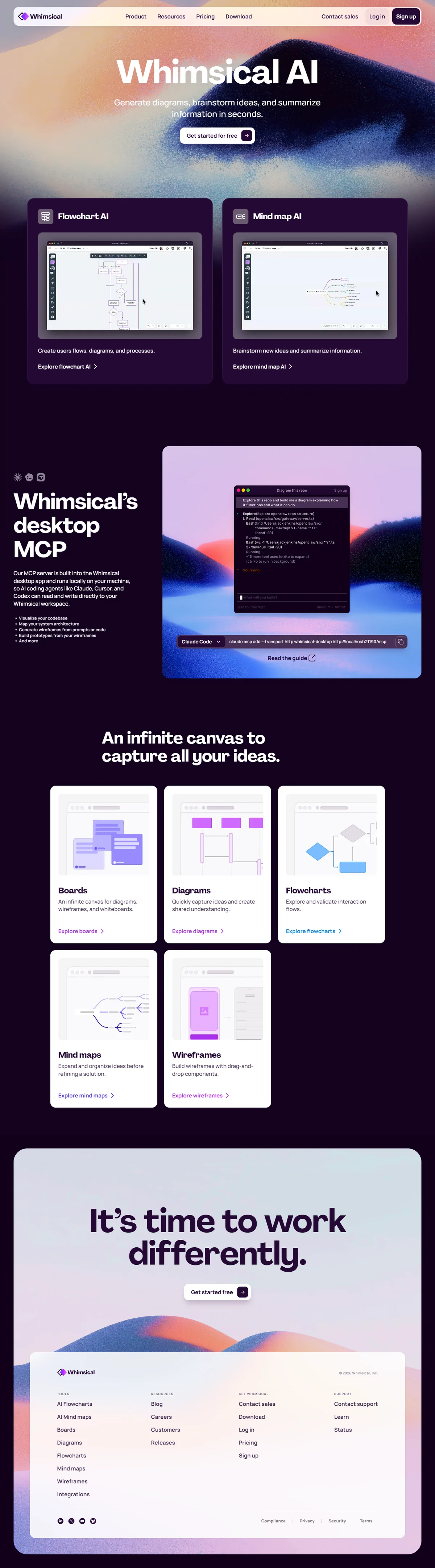
Whimsical AI workspace — mind maps, flowcharts, and wireframes in one unified interface.
Verdict
Whimsical AI mind mapping is a convenient addition for existing Whimsical users but not a replacement for dedicated tools. The one-to-many constraint limits its usefulness for complex knowledge work. We rate it 3.8/5 — great for quick captures, insufficient for serious concept mapping.
Related Reviews
For the complete platform evaluation, read our full Whimsical AI review. If AI-generated diagrams are your primary need, see the Whimsical AI Flowchart review for speed and accuracy benchmarks. Our alternatives guide ranks MindMeister and XMind for users who need advanced mind mapping features.