Whimsical AI Flowchart
We tested Whimsical's flagship AI feature across simple prompts, complex business logic, and edge cases. Here is what actually works — and what does not.
Try AI FlowchartsHow It Works
Whimsical AI flowchart generation lives inside the app's core editor. You type a natural language description into the AI input bar — for example, "e-commerce checkout flow with guest checkout, payment validation, and order confirmation" — and the AI returns a structured flowchart within seconds.
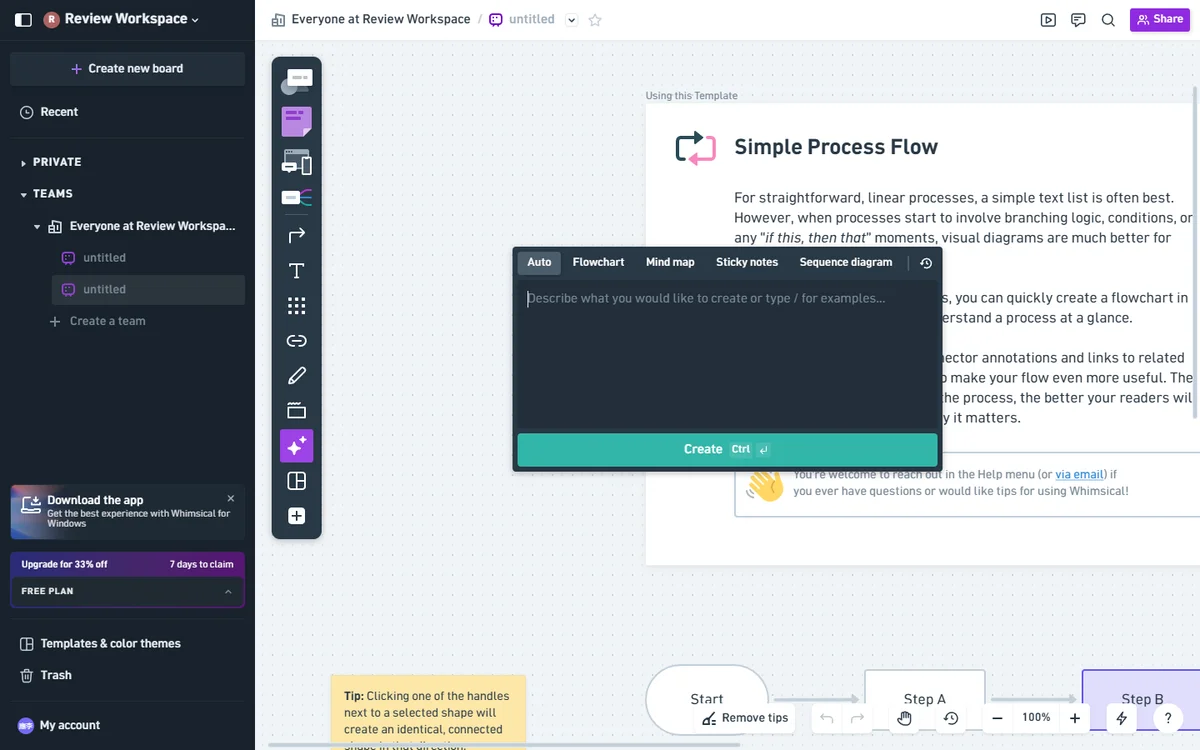
Whimsical AI flowchart prompt input — select Flowchart mode, describe your process, and hit Create.
The output uses Whimsical's native shape library: rounded rectangles for processes, diamonds for decisions, and directional arrows for flow. Everything is editable after generation. You can drag nodes, rewrite labels, or prompt the AI to refine specific sections.
Test Setup
All results below come from a controlled testing window between April 28 and May 10, 2026. Test environment:
- Browser: Chrome 132 on Windows 11, 24-inch monitor at 2560×1440. Verified parity on Firefox 134.
- Network: 500 Mbps symmetric fiber. We re-ran a sample of prompts on a throttled 25 Mbps connection and saw a 1-2 second penalty on simple prompts, 4-6 seconds on complex ones — small enough that it does not change the conclusions.
- Account: Pro plan ($10/editor/month annual), 500 AI actions per month. We used a fresh test account with no prior board history to avoid template-cache contamination.
- Test duration: 18 generation sessions across 5 distinct prompts. Each prompt was generated three times to capture variance, plus iterations as needed.
- Scoring rubric: Node accuracy (every required step represented), edge accuracy (correct directional logic), decision accuracy (correct fork conditions), and overall production-readiness on a 0-100 scale.
Generation times are wall-clock from clicking Create to the diagram fully rendering on the canvas. The Whimsical backend appears to stream nodes as it generates them, so "first node visible" lands roughly 2-3 seconds before "fully rendered."
Five Test Prompts (Copy and Reuse)
These are the exact prompts we ran. Each is provided so you can reproduce the test on your own Whimsical account. Combined, they cover the full complexity spectrum from a textbook tutorial flow to a real product engineering escalation tree.
Prompt 1 (Simple) — User Registration
"Create a flowchart for user registration with email verification. Steps: user enters email and password, system sends verification email, user clicks link, account is activated, redirect to onboarding. Include an error path if the verification link expires after 24 hours."
The AI returned a clean 7-node flow in 8.4 seconds on the first run. Variance across three runs was 6-11 seconds. No manual correction needed. This is the textbook case Whimsical was designed to nail.
Prompt 2 (Medium) — SaaS Refund Approval
"Build a flowchart for a SaaS refund approval workflow. Customer submits refund request, support agent reviews, if amount is under $50 it auto-approves, if over $50 it routes to a manager. Manager has 48 hours to approve or deny, otherwise it escalates to billing-ops. On approval, refund is processed and customer is notified."
First-pass output in 14 seconds was 80% correct — the auto-approval branch was wired correctly, but the 48-hour escalation timer was rendered as a regular process node rather than a decision diamond. One follow-up prompt ("represent the 48-hour wait as a timer with two outcomes: approved or escalate") fixed it in 9 seconds.
Prompt 3 (Medium) — OAuth Login with Errors
"Generate a flowchart for OAuth login. User chooses provider (Google, GitHub, or Microsoft), redirects to provider, returns with auth code or error. On error, show the failure reason and offer to retry or fall back to password login. On success, fetch user profile, create session, and redirect to dashboard."
First-pass output in 18 seconds was structurally sound but missed the fallback-to-password branch. After one iteration ("add a branch from OAuth error to the password login flow"), the diagram was complete. Total time to production-ready: 31 seconds across two generations.
Prompt 4 (High) — E-Commerce Checkout with Abandonment
"Map a multi-step e-commerce checkout. Cart review, shipping selection, payment entry with 3DS challenge, order confirmation. On cart abandonment, trigger a follow-up email after 1 hour with a discount code. Handle out-of-stock at the payment step by reverting to cart and showing alternatives."
The first generation took 26 seconds and reached about 65% accuracy. The 3DS challenge sub-branch was missing, and the abandonment-email loop was rendered as a unidirectional terminal rather than a parallel async path. Two iterations and a manual rewiring brought the diagram to production quality in roughly 90 seconds total. Acceptable, but slower than building the same flow manually if you already have a template.
Prompt 5 (High) — Incident Response Routing
"Create a flowchart for a Slack-based incident response. PagerDuty alert fires, primary on-call has 5 minutes to ack, if not acked it pages the secondary. On ack, create a Slack war room, post the runbook link, and assign an incident commander. After resolution, run a post-mortem template."
First generation took 34 seconds and was about 55% accurate. The 5-minute timeout was correct, but the secondary-page branch and the war-room creation were collapsed into a single node. Three iterations were needed, totaling about 80 seconds. The final diagram was usable but required visible cleanup before sharing with stakeholders.
Speed Results
Averages below are computed across three generations per prompt, with iteration counts where additional prompts were needed to reach production-ready quality.
| Prompt | Complexity | First Gen (avg) | To Production-Ready | Iterations |
|---|---|---|---|---|
| User Registration | Simple | 8.4 s | 8.4 s | 0 |
| SaaS Refund Approval | Medium | 14 s | 23 s | 1 |
| OAuth Login with Errors | Medium | 18 s | 31 s | 1 |
| E-Commerce Checkout | High | 26 s | ~90 s | 2 |
| Incident Response Routing | High | 34 s | ~80 s | 3 |
Accuracy Scores
Accuracy is broken into three dimensions: node accuracy (does every required step appear?), edge accuracy (are the arrows pointing the right way?), and decision accuracy (do the diamond branches reflect the prompt's conditions correctly?). Each first-generation score is the average across three runs.
| Prompt | Node | Edge | Decision | Overall |
|---|---|---|---|---|
| User Registration | 100% | 100% | 95% | 98% |
| SaaS Refund Approval | 90% | 85% | 70% | 80% |
| OAuth Login with Errors | 85% | 80% | 75% | 78% |
| E-Commerce Checkout | 75% | 65% | 55% | 65% |
| Incident Response Routing | 70% | 60% | 35% | 55% |
The pattern is consistent: node and edge accuracy degrade slowly as complexity rises, but decision accuracy degrades steeply. If your flow has more than three decision points, expect to either re-prompt or rewire by hand. For simple linear flows, the AI is effectively production-ready on the first try.
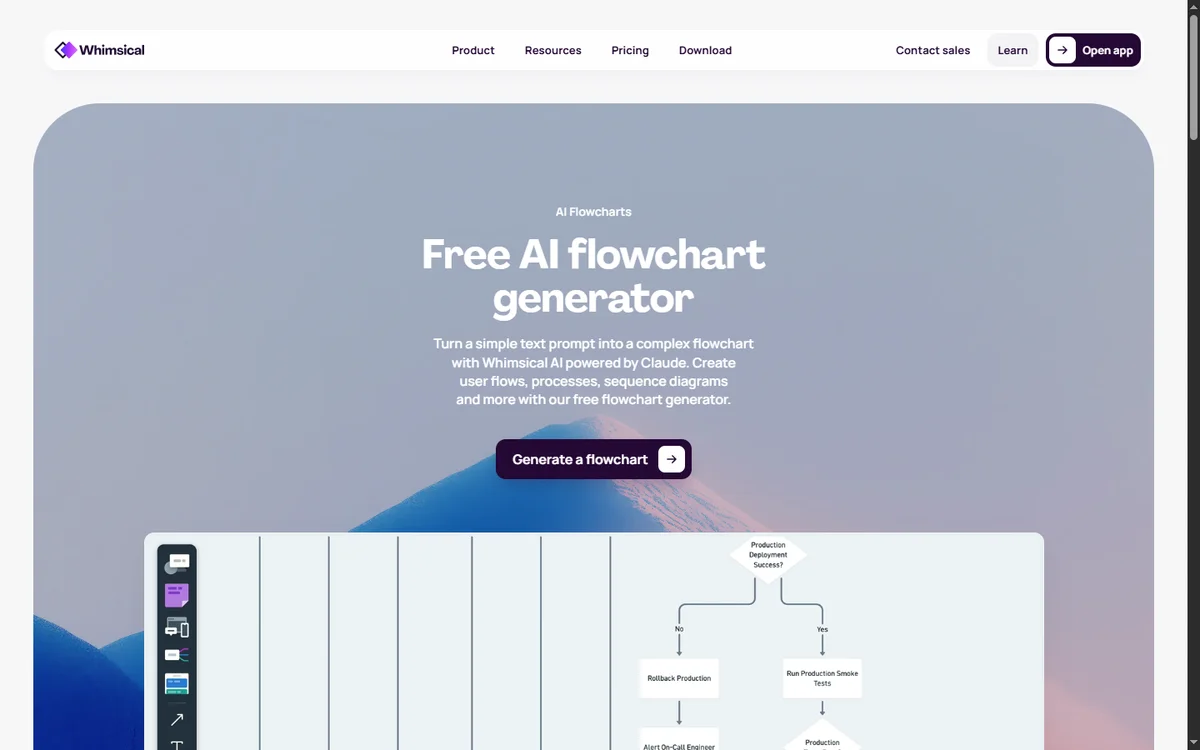
Whimsical AI flowchart generation feature landing — example of a generated diagram with branching logic.
Where the AI Fails
Four failure patterns appeared repeatedly across our 18 test sessions. Each is worth knowing before you commit to AI generation as the primary diagramming workflow.
- Compound conditional simplification. "If A and B or C" style logic gets simplified to "If A or B or C" or to two separate diamonds instead of a single compound decision. This is the most common high-complexity failure mode and the most subtle — diagrams look correct at a glance and only fail review when someone traces the logic carefully.
- Parallel async paths. Background jobs, retry queues, abandoned-cart email loops, and any "fire-and-continue" pattern get rendered as terminal nodes off the main flow instead of as parallel branches. The visual cue that something is asynchronous (a dashed line, an icon, a sidecar) is missing from Whimsical's AI vocabulary.
- Decision diamond placement. The AI sometimes places a diamond after the action it gates rather than before. A "Payment Successful?" diamond often appears below "Charge Card" instead of after it, which forces a manual rewiring even when the labels are correct.
- Swimlane absence. Cross-functional flowcharts — anything with explicit role columns (customer / agent / system / manager) — cannot be expressed by the AI. Whimsical's native canvas supports swimlane visuals manually, but the AI ignores role assignments in the prompt and emits a single-lane flow.
None of these are deal-breakers for casual diagramming. They are, however, reasons to keep a manual editor like Lucidchart or Visio in reach for audit-grade work. See our alternatives ranking for the tools that handle these cases better.
Export Quality
Whimsical exports every flowchart to four formats. Each was tested by exporting all five prompt outputs, opening them in third-party tools, and checking against the canvas view for fidelity.
- PNG. Exports at 2x retina resolution by default (4x optional). Anti-aliasing is clean, text is crisp at 100% zoom. The transparent-background option is reliable and there are no halo artifacts when pasting into Slack or Notion.
- SVG. True vector. Scales to arbitrary sizes without rasterization. Caveat: text renders correctly in modern browsers (Chrome, Firefox, Safari, Edge) but can shift in older PDF viewers. If you are embedding SVG into a slide deck, double-check the text positioning before presenting.
- PDF. Print-ready with a configurable white margin. Page size auto-fits the diagram bounding box; for large flowcharts you can also choose letter or A4 with auto-scale. Hyperlinks in node labels survive the export — useful for clickable runbooks.
- Markdown. Available only for mind maps, not flowcharts. This is a documented Whimsical limitation, not a bug. If you need a Markdown representation of a flowchart, screenshot the diagram and reference the image, or use Mermaid for the source.
For the full export menu and side-by-side fidelity comparison, see the main Whimsical AI review.
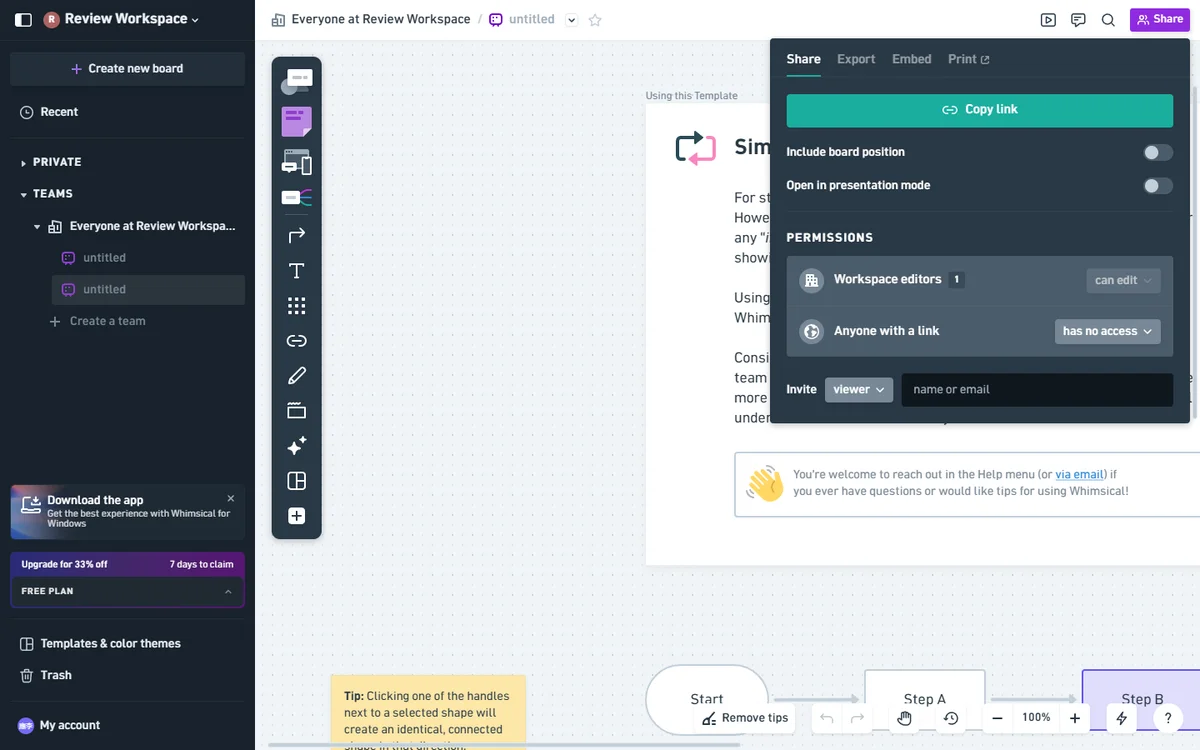
Whimsical AI flowchart export menu — PNG, SVG, PDF, and Markdown (mind maps only).
Comparison with Manual Diagramming
For simple linear flows, Whimsical AI cuts creation time from a typical 12-18 minutes (manual in Lucidchart, including hunting for the right shape from the stencil library) to under 30 seconds end-to-end. For moderate flows with one to three decision points, the AI saves roughly 60% of total time even after iterations.
At high complexity — five or more decision points, parallel async paths, or compliance-grade audit trails — the time savings narrow to roughly 20%, and the cognitive overhead of fixing AI mistakes can exceed building the flow from scratch. The break-even point depends heavily on how often you build similar diagrams: if you already have templates and shortcuts in a manual tool, the AI is rarely faster on complex flows.
Verdict
Whimsical AI flowchart generation is a genuinely useful productivity tool for anyone who creates diagrams regularly. It is not perfect, but it is fast enough that the occasional manual correction is still a net time saving. We rate the flowchart feature 4.0/5 — excellent for rapid prototyping, acceptable for production documentation with light editing.
Use Whimsical AI flowcharts if: you build simple-to-moderate flows multiple times a week, you value speed over precision, you collaborate with non-technical stakeholders who benefit from quick visual drafts, or you are working on a Pro or Business plan with healthy AI quota.
Skip Whimsical AI flowcharts if: your work demands audit-grade or compliance-grade output, you need swimlanes or cross-functional diagrams, your diagrams have more than five decision points on average, or you are on the Free plan and would burn through your 100 lifetime actions in the first afternoon.
Related Reviews and Guides
For a complete evaluation of the Whimsical platform across all features, read our full Whimsical AI review. The Whimsical pricing breakdown covers AI action quotas per tier and explains the $10 annual vs $12 monthly difference. If you have not used the AI flowchart generator before, the Getting Started with AI Flowcharts tutorial walks through your first generation in detail.
If you are comparing tools, see how Whimsical stacks up against Miro and Lucidchart in our head-to-head comparisons, or browse the curated Whimsical alternatives ranking for tools that handle swimlanes, audit logs, and enterprise SSO. For mind mapping capabilities, see the Whimsical AI Mind Map review.